







Not a chatbot. An agent that turns
your instructions into results.
CraftBot is a personal AI agent that controls a PC to perform any computer-based task for you. It remembers what you told it, proactively creates its own tasks, and runs them while you sleep.
CraftBot builds, evolves, and
operates its own SaaS tools.
Apps, dashboards, internal tools, software: CraftBot generates or imports them inside itself and operates them for the next level of automation.
Generate from a sentence
"Build me a CRM for outreach": CraftBot scaffolds the schema, API, and UI, then runs it.
Work together with CraftBot on Living UIs
 CraftBot
Moved 'Q4 brief — Nova Foods' to In Progress. Added subtask: gather brand assets from Drive.
Turn CraftBot into an expert.
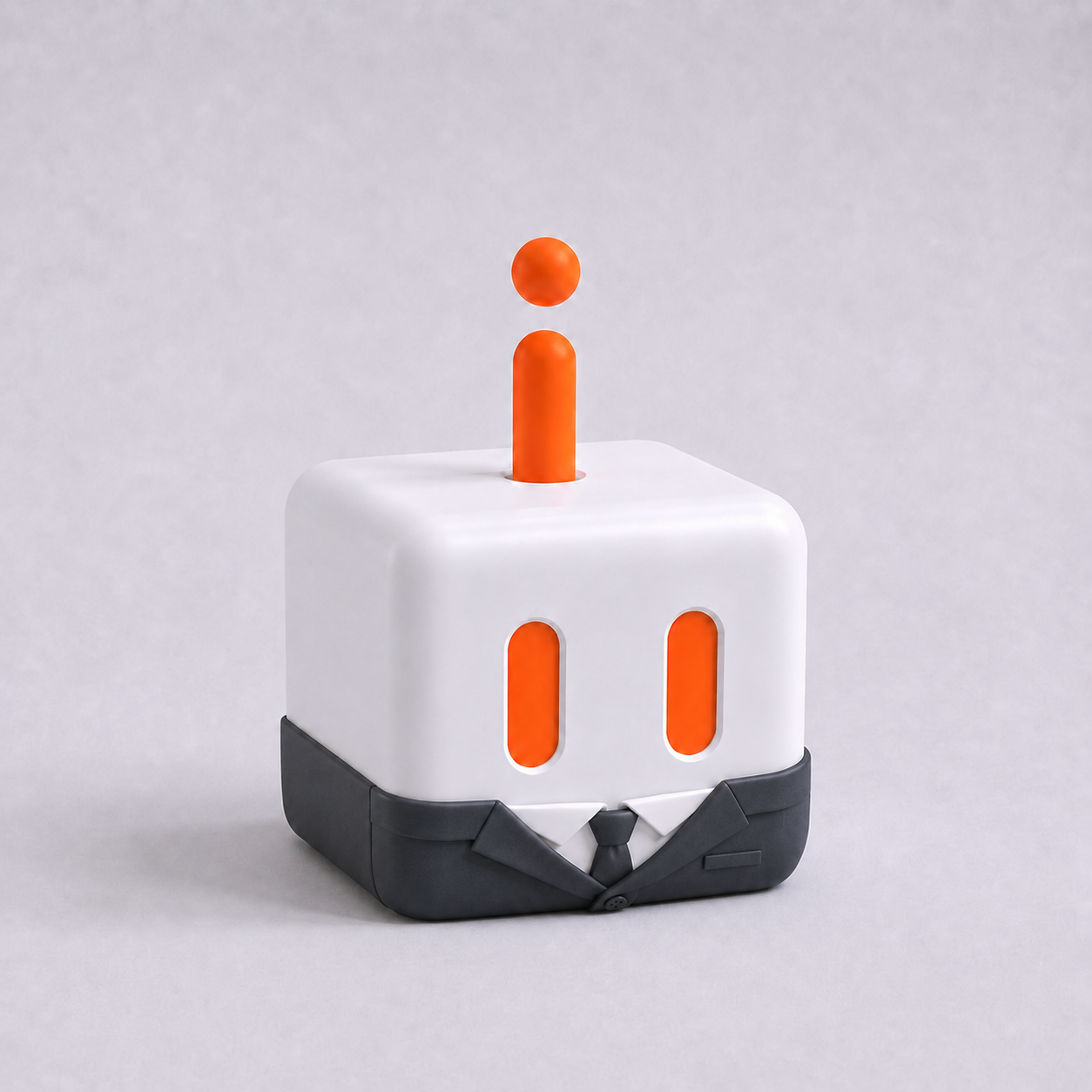
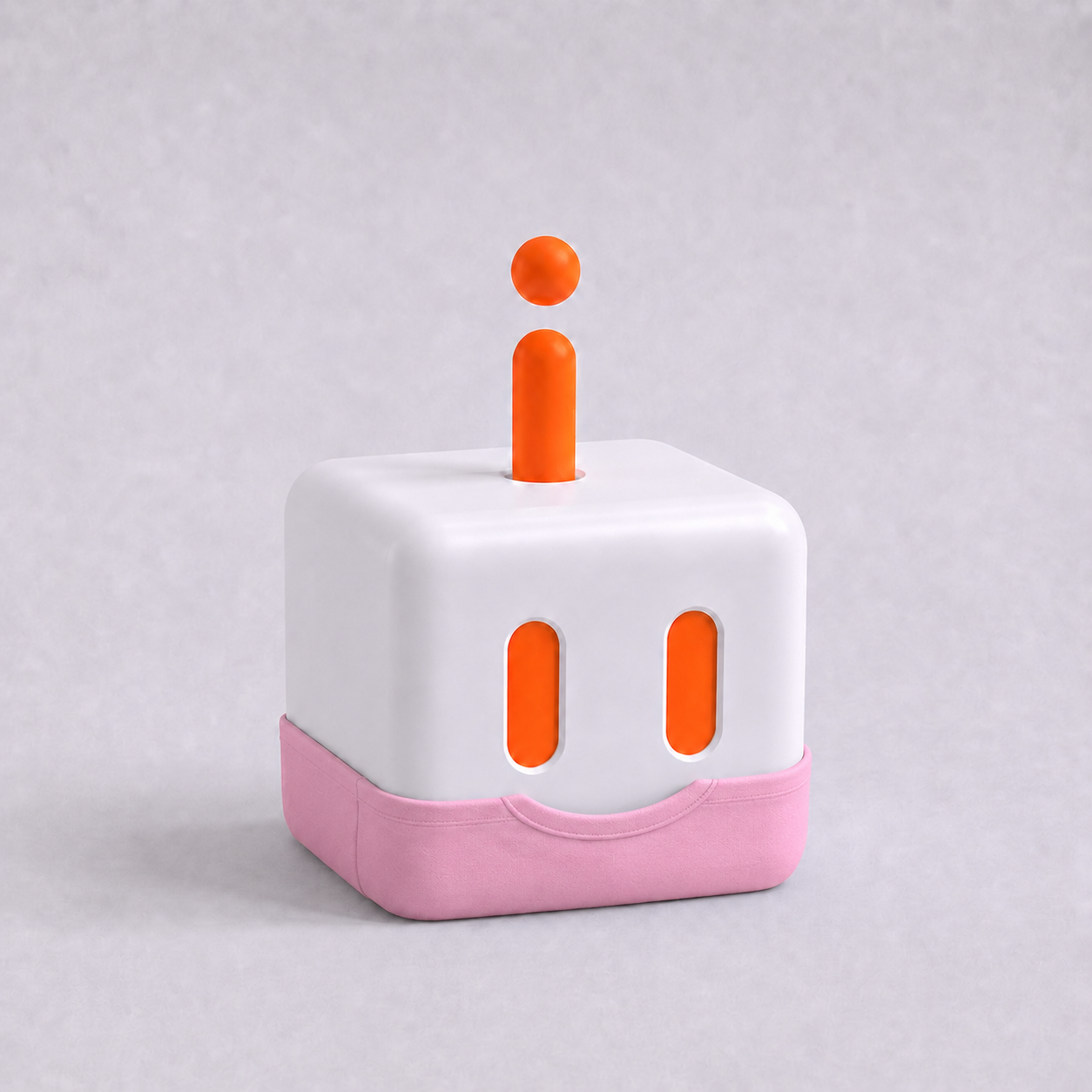
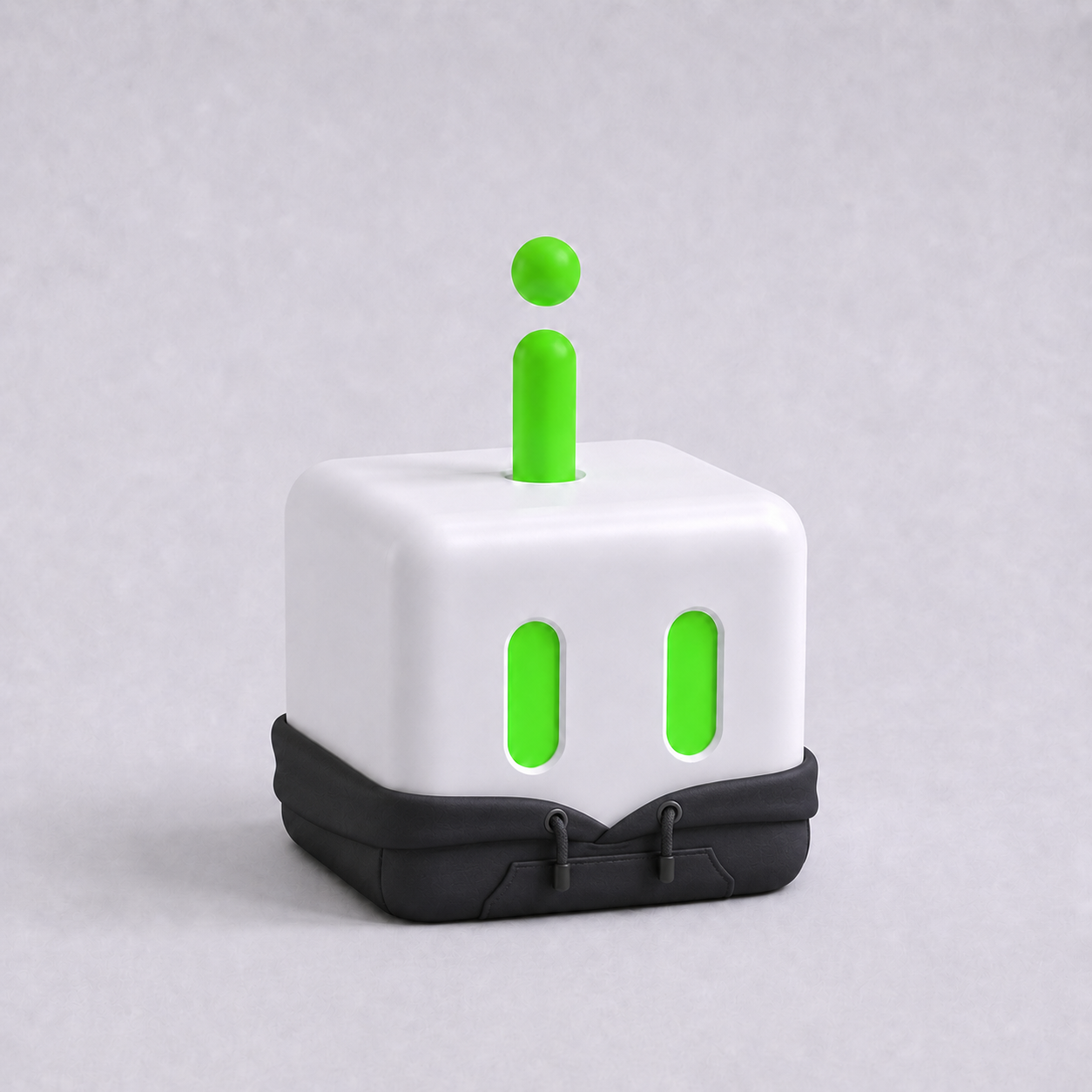
40+ agent roles, each with their own Skills, MCP, instruction, workflow, and a Living UI tailored to their job.
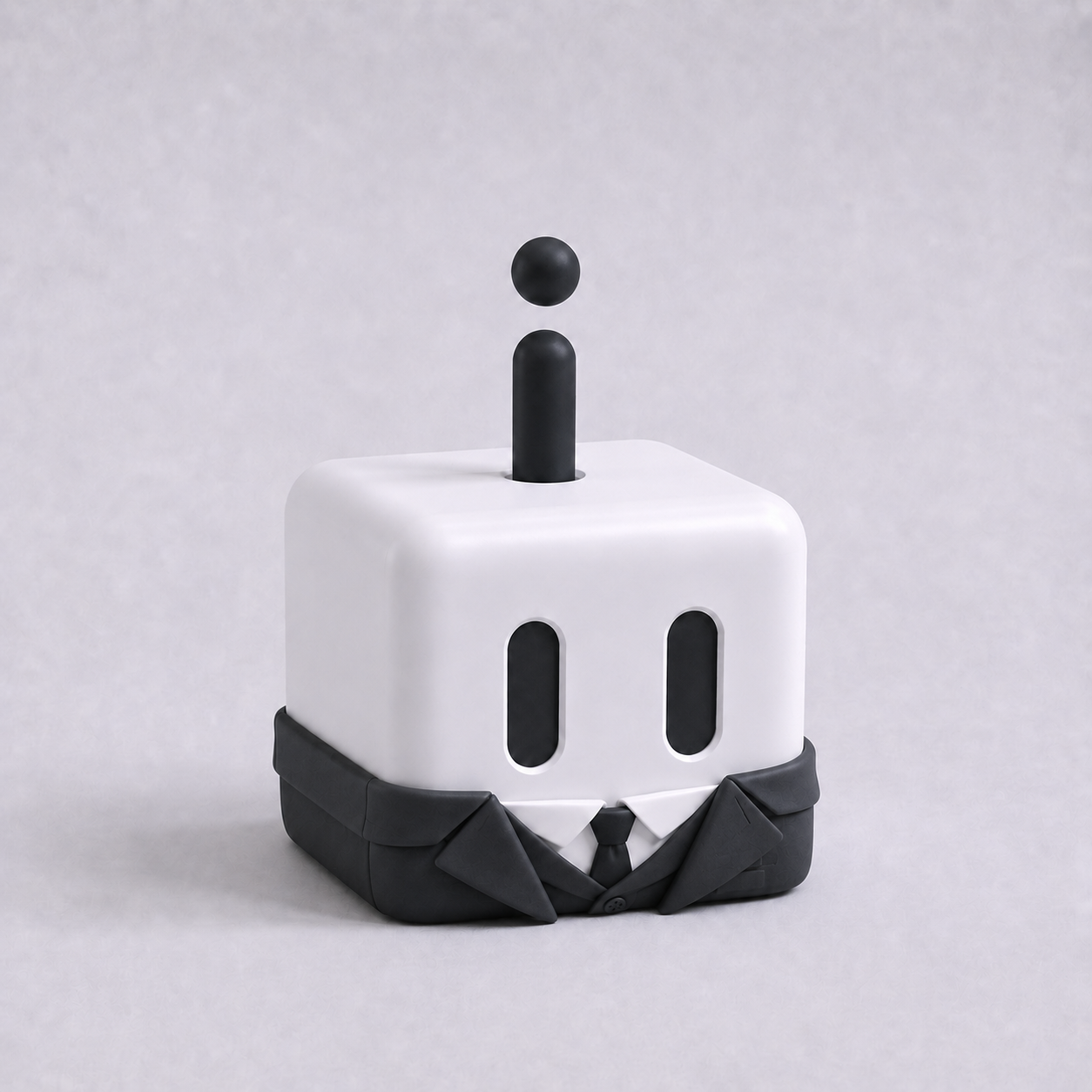
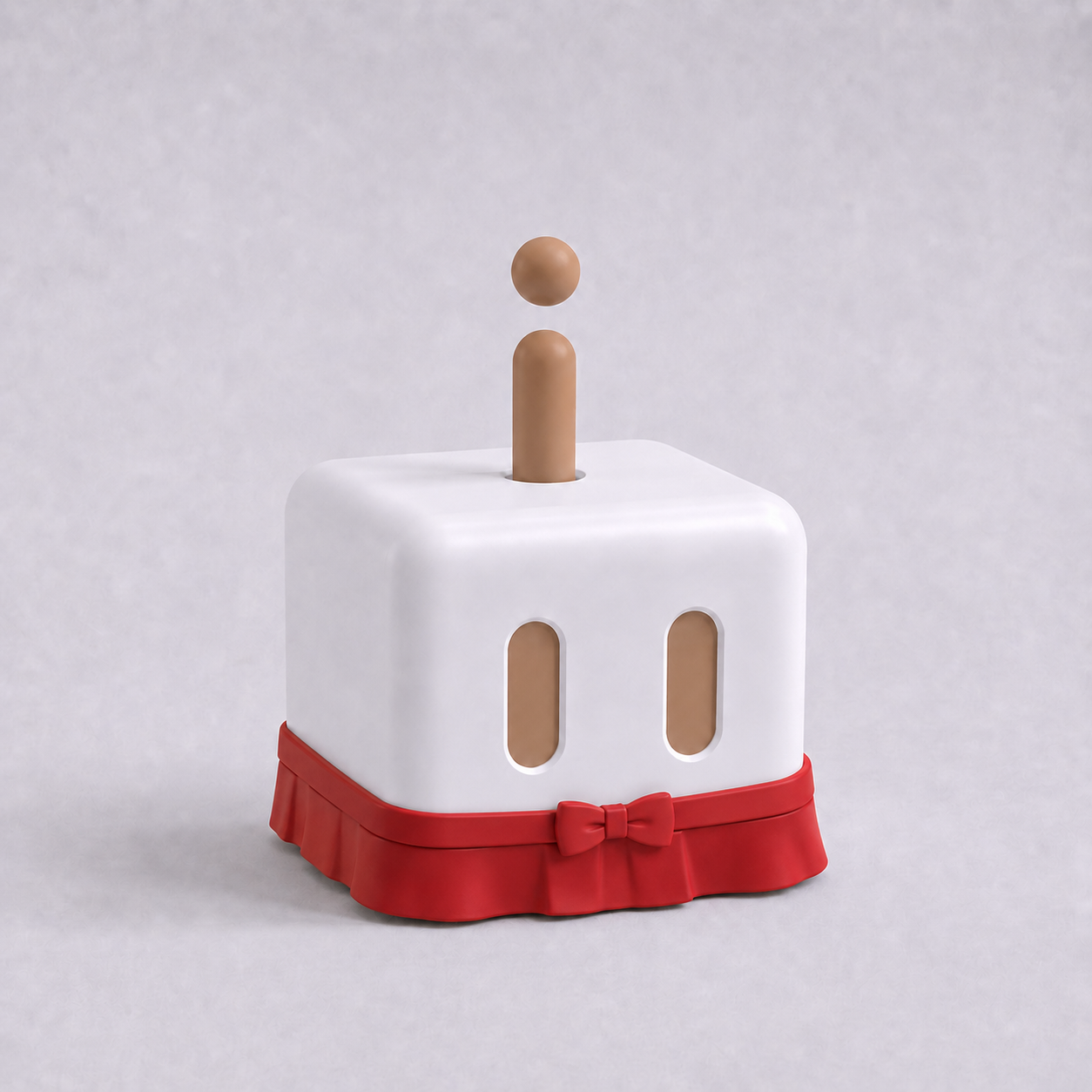
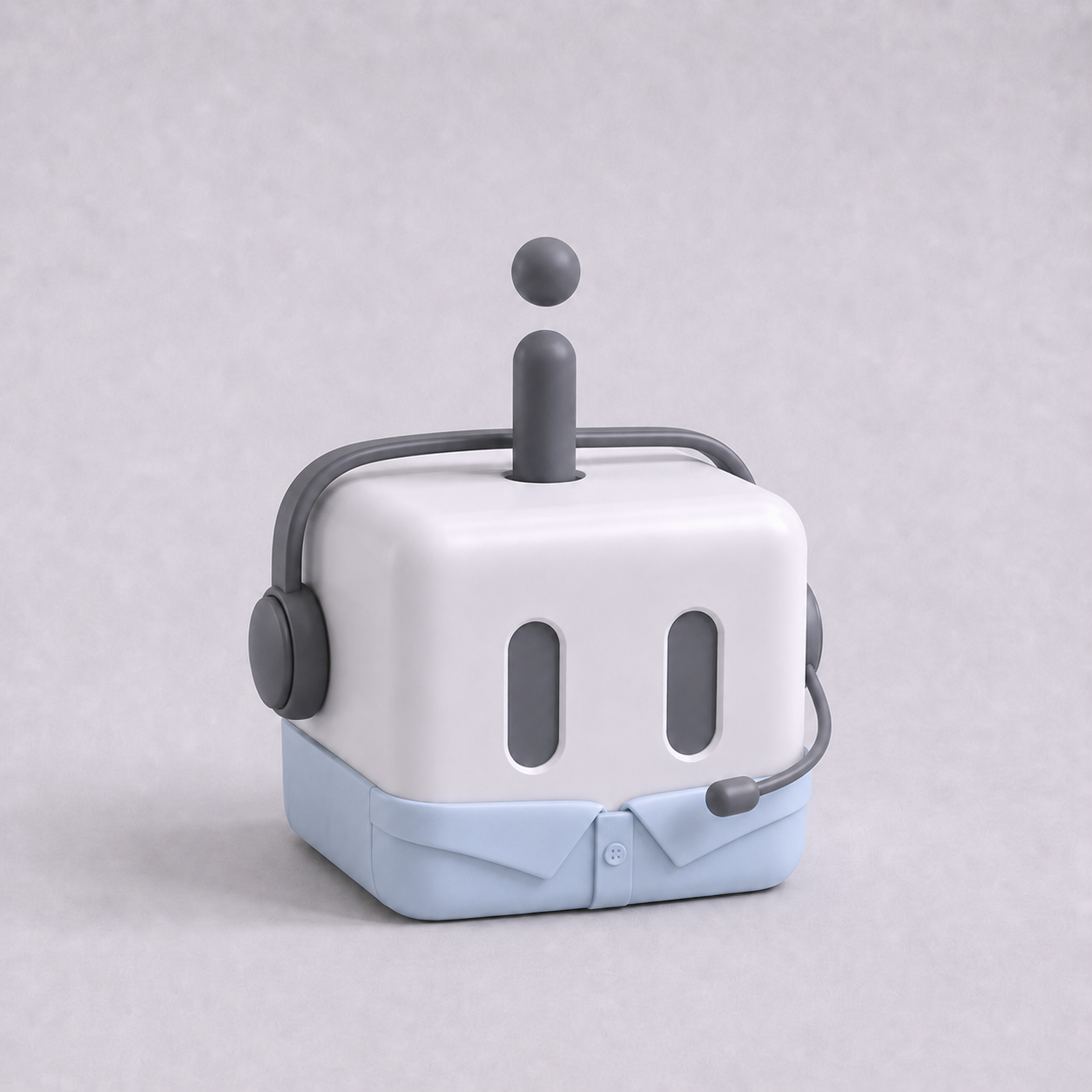
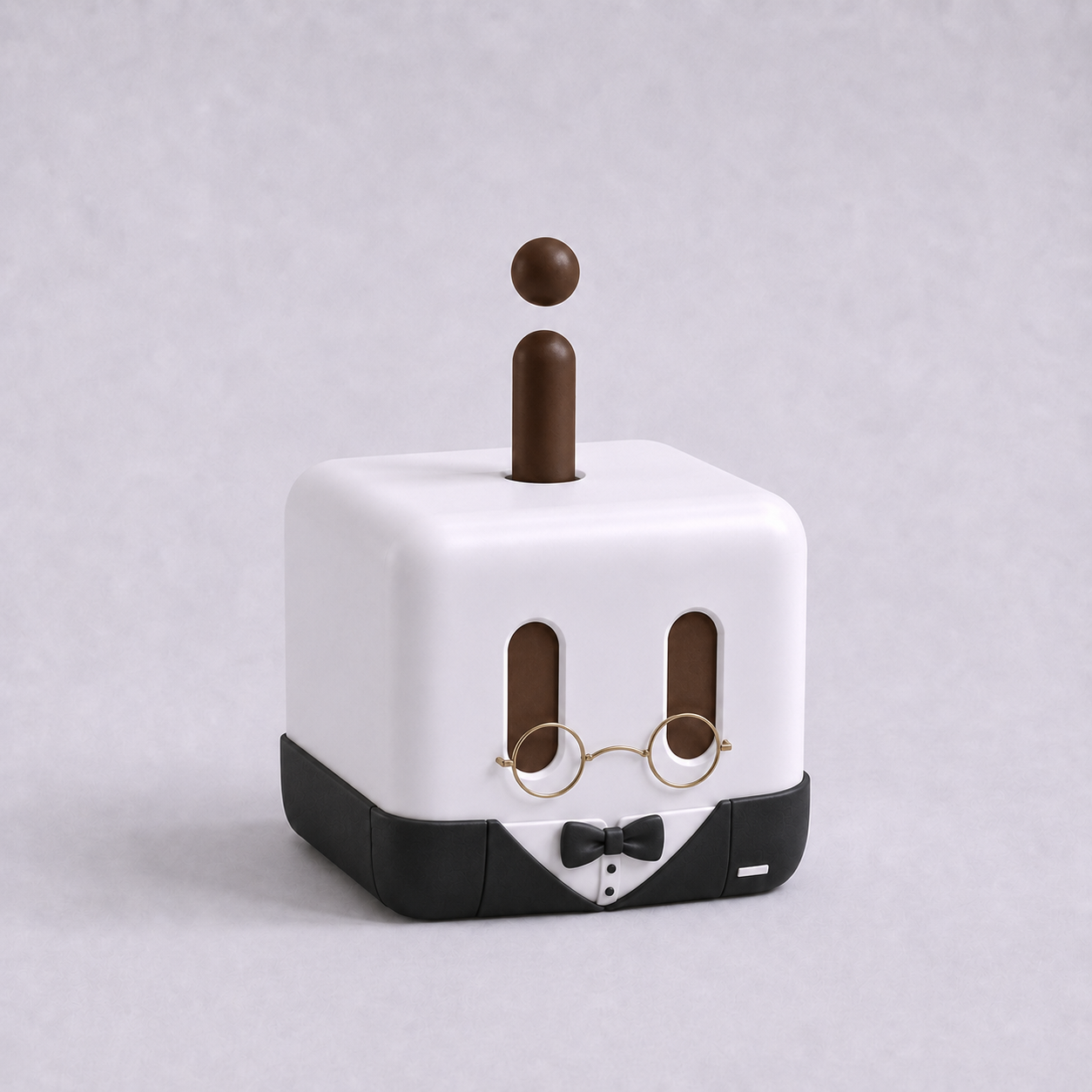
CEO Agent
Builds your website, finds and reaches out to investors, researches the market and surfaces user pain points, manages your cashflow, and more..
All CraftBot, one dashboard.
Your personal assistant, research bot, market watcher, each in its own isolated cloud instance managed from a single dashboard. No SSH, no Docker, no juggling terminals.
Everything CraftBot does, hosted for you.
CraftBot Live hosts your open-source CraftBot agent runtime in the cloud, managed end-to-end: always-on, isolated, with persistent memory.
One-click power on/off
Spin a CraftBot up in seconds, hibernate it when idle. No Docker, no SSH, no Python envs.
Persistent workspace
Your agent's memory, files, and learned skills live in isolated container, durable across restarts.
Always-on, anywhere
Your CraftBot keeps working even when your laptop is closed. Reach it from the dashboard, on any device.
Isolated by default
Each instance runs in its own sandbox. We never touch your data outside the workspace you provision.
Live metrics & logs
Token usage, compute time, requests per hour, all surfaced in the dashboard with no setup.
Built on CraftBot
Same agent runtime as the open-source CraftBot: local skills, MCP servers, Living UI, all work as-is.
All the agent roles, bundled in one.
Get inspired by what people do with CraftBot.
Run campaigns from one chat window.
Brief CraftBot once, then watch it draft the launch email, schedule the LinkedIn thread, pull weekly funnel numbers, and flag what's working.
- Schedules posts across Buffer, X, LinkedIn, Bluesky
- Watches PostHog / GA and surfaces weekly highlights
- Drafts on-brand copy from your best posts
Stories told by users running CraftBot.
How founders are building AI-native startups with CraftBot.

Xiuni Tam
Founder
My Desk Deco
“As a solo founder, CraftBot handles the work I'd normally need a small team for. It saves my time and effort.”

Eric
Founder
Fukuoka Build
“I am still early with CraftBot, but it already feels different from the other agent setups I have tried. The onboarding is simple, the browser experience is easy to understand, and it does not feel like another weekend project I have to babysit. I got it, I could use it, and I could see how it fits into my real work. The part that makes me genuinely excited is Living UI. For Fukuoka Build, there are always small moving pieces: community messages, follow-ups, weekly meetup work, content ideas, and the general admin that keeps the community alive. I do not want to spend hours forcing that into five separate SaaS tools. With CraftBot, I can shape the tools around the way the community actually runs, then keep improving them as the work changes. Right now I am experimenting with putting more of my life management, dev workflow, and content creation into CraftBot. That is the strongest signal for me: it is not only impressive as a demo. It is useful enough that I want it closer to how I actually run my day.”
Frequently asked questions.
What CraftBot is, what it can do for you, and how CraftBot Live runs it.
What is CraftBot?
CraftBot is an open-source autonomous AI agent built by CraftOS. Unlike a chatbot, it controls a computer to do real work: it clears your inbox, writes documents, builds slide decks, runs research, and completes tasks on its own. It remembers what you tell it, proactively creates its own tasks, and keeps working while you sleep.
What can CraftBot do for me?
CraftBot handles any computer-based work. Common uses: managing email, generating content and slide decks, automating marketing and sales workflows, doing research, building and running internal tools with Living UI, and acting as a 24/7 personal assistant for founders, marketers, sales teams, and creators.
Is CraftBot a chatbot like ChatGPT?
No. A chatbot answers your messages; CraftBot completes work. You give it a goal, and it plans the steps, uses tools and applications, and delivers results. It is proactive: it remembers context, schedules its own tasks, and runs them without you being online.
What is CraftBot Live and how does it work?
CraftBot Live is the official cloud hosting service for CraftBot, run by CraftOS. You sign up, click once, and get a private CraftBot instance that runs 24/7 in an isolated container with persistent memory and storage. You manage everything from a web dashboard: power on and off, chat, tasks, files, and usage. No VPS, Docker, SSH, or Python setup.
How is CraftBot Live different from self-hosting CraftBot?
CraftBot is open source, so you can run it yourself on a VPS or your own machine. CraftBot Live does the hosting for you: instant setup, always-on uptime, isolated instances, persistent storage, automatic updates, and live metrics, managed by the team that builds CraftBot. It runs the same agent runtime, so skills, MCP servers, and Living UI work in both.
How much does CraftBot Live cost?
The Free plan is $0 forever: 1 always-on agent on shared compute, with your own LLM API key or a rate-limited managed LLM. Pro starts at $19.90 per month with 3 agents and dedicated compute. Max is $79.90 per month with 10 agents. Max+ is $199.90 per month with 25 agents and a dedicated support engineer.
Do I need my own API key?
No. Every plan includes a managed LLM, with higher rate limits on paid tiers. If you prefer, you can bring your own LLM API key (BYOK) on any plan, including Free.
Is my data private and secure?
Each CraftBot runs in its own isolated instance. Your agent's memory, files, and learned skills stay in your workspace, persist across restarts, and are never touched outside the workspace you provision.
More questions? Read the full FAQ


